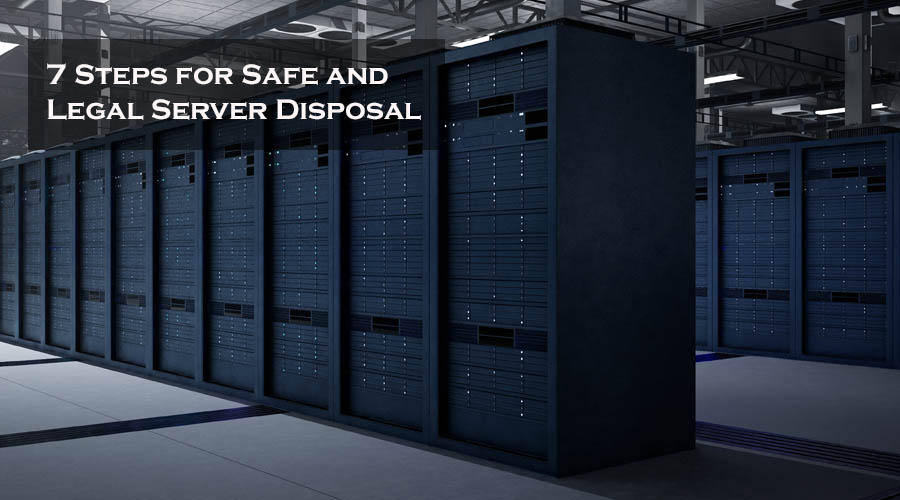
Decommissioning a data center isn’t like a routine equipment refresh. Instead of a handful of retired laptops, you’re looking at racks of servers, networking gear, UPS battery systems, and miles of cabling — often with a hard deadline tied to a lease expiration or a migration to the cloud. Without a plan, it’s easy for the project to run long, go over budget, or leave compliance gaps that surface months later during an audit.
Here’s a practical checklist for San Diego IT teams planning a data center decommission, based on the steps that consistently make these projects go smoothly.
1. Inventory Everything Before You Touch Anything
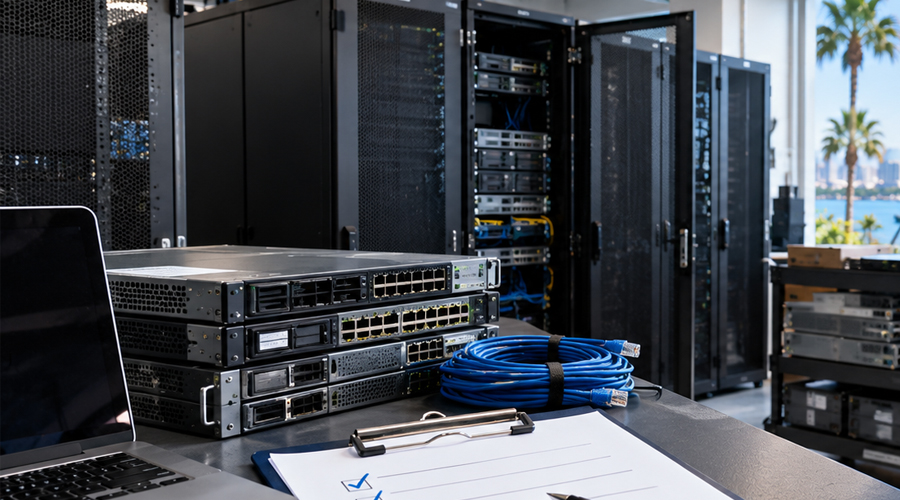
Before a single cable is pulled, build a complete inventory of what’s in the room: servers, switches, routers, firewalls, UPS units, PDUs, and storage media. For larger facilities, this usually means walking the racks with a spreadsheet or asset management tool rather than relying on records that may be years out of date.
This inventory becomes the backbone of the entire project — it’s what you’ll use to plan logistics, estimate pickup volume, and later confirm that everything was accounted for during processing.
2. Separate What’s Being Reused From What’s Being Retired
Not everything in a decommissioned data center is e-waste. Some hardware may be redeployed to another location, sold, or donated. Sort your inventory into clear categories early — reuse, resale, and recycle — so the recycling team only handles what’s actually being retired.
-
›
Servers: Rack, blade, and tower units being retired from active service. -
›
Networking Equipment: Routers, switches, firewalls, and access points tied to the facility. -
›
UPS & Power Systems: Battery backup units, often the heaviest and most hazardous items in the room. -
›
Storage Media: Hard drives and SSDs, whether still installed or already pulled.
3. Plan Data Destruction Before Physical Removal
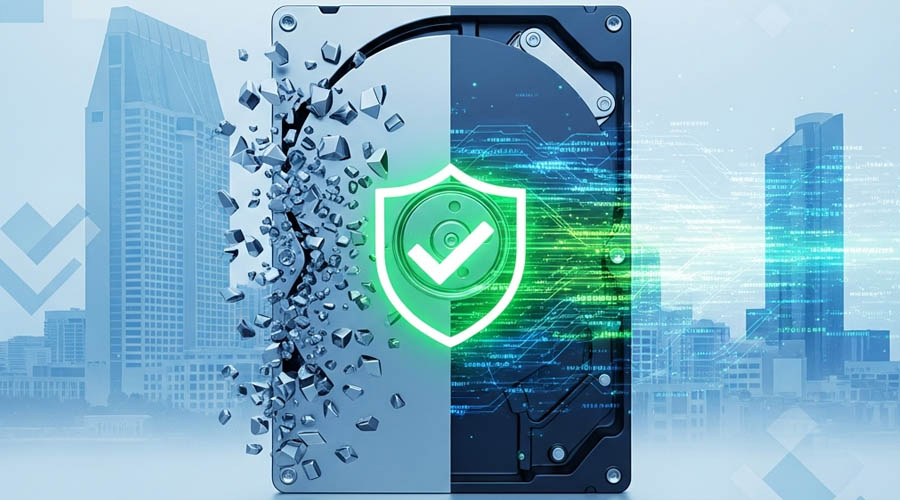
Data security has to be resolved before equipment leaves the building, not after. Every server and storage device should go through a sanitization or destruction process that meets your compliance requirements — this is especially critical for healthcare, financial, or any business handling sensitive customer data.
Networking equipment needs the same attention: firewalls and routers can retain VPN credentials and configuration data that should be cleared before the device leaves your custody.
4. Account for Weight and Access Logistics Early
Data center hardware is heavy, and facilities aren’t always built for easy equipment removal. Loading docks, freight elevators, and rack weight limits all affect how a decommission gets scheduled. Coordinate this with your recycling partner ahead of time rather than discovering access issues on moving day.
Our Corporate E-Waste Recycling service is built for exactly this kind of large-scale removal — servers, networking equipment, and battery systems handled in a single coordinated pickup across San Diego County.
5. Get Documentation for Every Category of Equipment
A decommission isn’t complete until you can prove it happened correctly. Request documentation covering:
-
›
Certificate of Destruction: Confirming serial numbers, dates, and methods for any drives destroyed. -
›
Confirmation of Disposal: Documentation that hardware was processed in compliance with California e-waste law. -
›
Asset-Level Reporting: A record you can match against your original inventory to confirm nothing is unaccounted for.
Keep this documentation with your internal records — it’s what you’ll need if the decommission is ever reviewed during an audit or compliance check.
Frequently Asked Questions
How long does a full data center decommission take?
It depends on scale, but most projects move faster when the inventory and sorting work (categories 1 and 2 above) happen before pickup day. A well-prepared decommission of a mid-sized server room can often be completed in a single coordinated visit.
Do you handle UPS battery systems as part of a decommission?
Yes. UPS battery backup systems are one of the most common items we handle during data center decommissions, alongside servers and networking equipment.
Can equipment be picked up in phases instead of all at once?
Yes. Larger decommissions are often easier to manage in phases, especially if parts of the facility are being decommissioned on a rolling timeline. Let us know your schedule when you reach out and we’ll coordinate accordingly.
Planning a data center decommission in San Diego? Contact Next Life Recycling early in the process — the earlier we’re involved, the smoother the logistics tend to go.